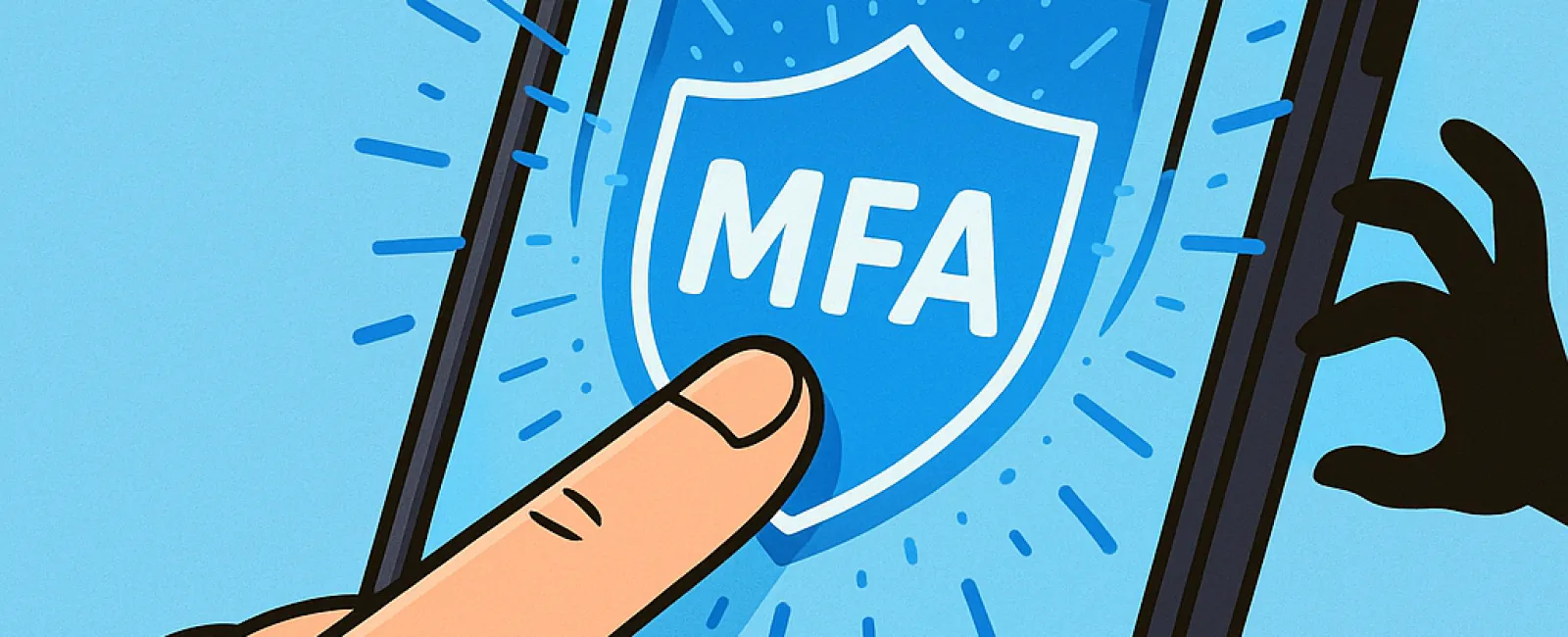
Just like you wouldn't drive without buckling your seat belt or leave your office unlocked overnight, going online without multifactor authentication (MFA) is a risk you don't need to take.
MFA acts as an additional digital fortress beyond your password—a password that can be stolen, guessed, or phished. By requiring an extra verification step, like a text code, authentication app, or fingerprint scan, MFA ensures that even if a hacker obtains your password, they hit an impenetrable wall without the second authentication.
One Simple Step That Transforms Security
If a password is your digital front door lock, then MFA is the security system you activate before bedtime. While not absolutely mandatory, it gives you peace of mind by providing a backup shield if your password protection falters.
MFA adds a brief but powerful step to verify your identity before granting access. Known also as "two-step verification," "two-factor authentication," or "one-time password," it requires two or more forms of identification to keep your sensitive information safe.
This extra layer comes in many forms, from account-creation email confirmations, bank security questions, to quick text codes, push notifications, and phone calls—most of which only require a simple tap or code entry.
How MFA Protects You in Real Situations
While MFA is a fast and easy extra step for you—just a quick click or code entry—it puts serious hurdles in front of hackers. If an unauthorized login attempt happens, MFA sends you an alert or verification code, helping you catch breaches early and allowing you to change your password before any data is compromised. This safeguard shields your accounts from unauthorized access even if passwords are stolen or shared.
When an employee's credentials are tricked out of them, MFA still blocks unauthorized access. In fact, Microsoft reports that MFA reduces account compromise risk by over 99.2%, and even up to 99.99% when properly implemented.
Where and How to Implement MFA
Ensure MFA is active on your most sensitive accounts, including:
- Banking and financial applications
- Email accounts and cloud storage services
- Social media platforms
- Work-related logins containing client or proprietary data
Activating MFA is typically straightforward. Many leading platforms include built-in MFA options—just choose the one that fits your workflow best. Implementing an authenticator app can significantly enhance the security of your staff logins.
In short, enabling MFA is a free, fast, and effective way to block the majority of hacking attempts. Investing a few minutes now to set up MFA can save you from extensive data breaches and costly recovery efforts later.
The simplest way to get MFA configured is by contacting your IT provider. A skilled MSP can ensure the process is seamless. If you need cybersecurity assistance, click here or call us at (646) 989-9900 to schedule a Business Technology Alignment Assessment with our expert team now.