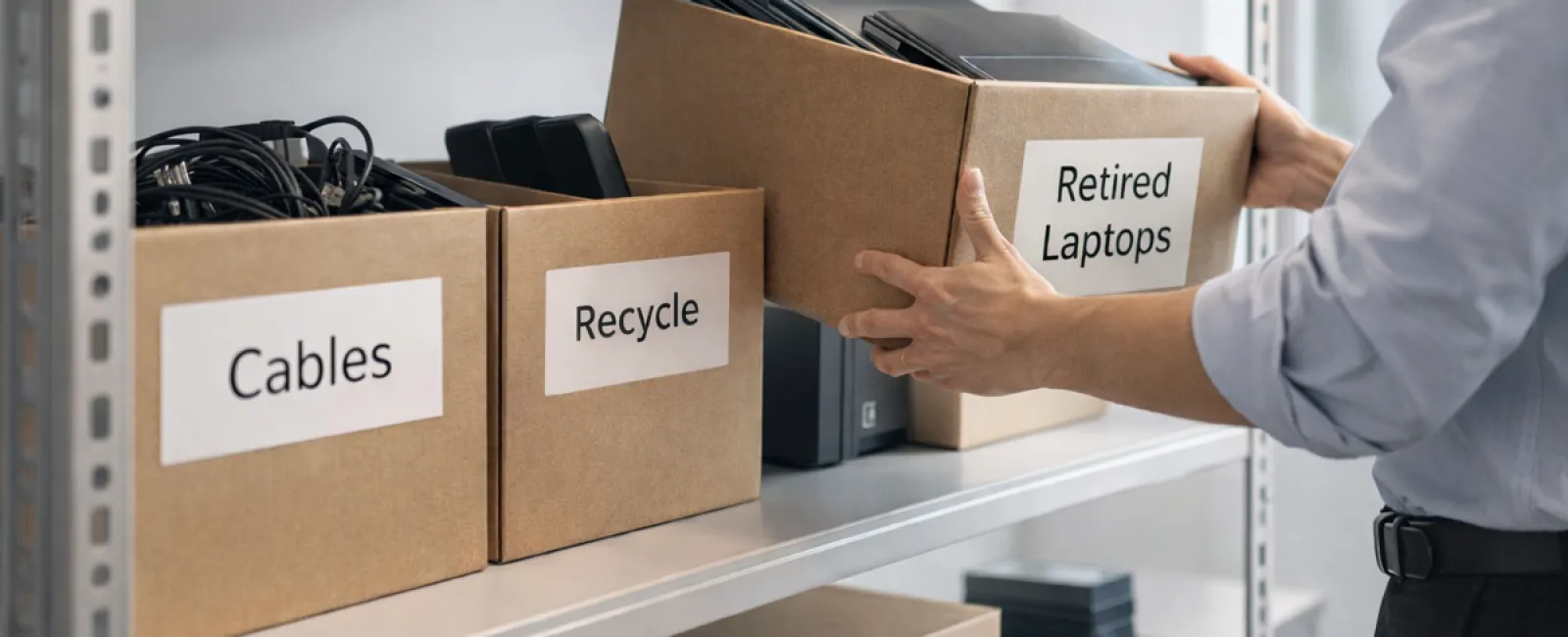
While spring cleaning often targets closets, most businesses face a different kind of clutter beyond simple storage racks.
This clutter might be found on server racks, tucked away in storage rooms, stashed in back offices, or buried in a "handle later" pile.
Outdated laptops, retired printers, backup drives from years ago, and boxes of cables saved "just in case" are common.
Every company accumulates these forgotten tech items over time.
The real question is not if they exist, but whether you have a clear strategy for managing what comes next.
Technology Follows a Lifecycle Beyond Purchase Dates
New tech acquisitions usually have reasons—better speed, enhanced security, improved capabilities, or supporting business growth.
Most organizations carefully plan purchases but lack plans for technology retirement.
Retiring tech often happens quietly—old devices replaced and set aside—until finally, space needs clearing.
While common, this approach misses recognizing that retiring technology deserves the same thoughtful process as purchasing it.
Used devices still hold value—whether reusable, recyclable, or containing sensitive data—and unmanaged clutter can slow operations.
Spring offers an ideal moment to evaluate which assets are productive and which are just taking up valuable room.
A Straightforward Strategy to Organize Your Technology
If you want to move beyond vague intentions, try our simple four-step method.
Step 1: Assess Your Assets
Identify exactly what devices are being retired—laptops, phones, printers, network equipment, or external drives. You can't manage unmanaged tech, and an audit often uncovers surprising finds.
Step 2: Choose Their Fate
Devices typically fit into reuse (internal redeployment or donation), certified recycling, or destruction (for sensitive data). Decide their destinations deliberately to prevent equipment from lingering indefinitely.
Step 3: Properly Prepare Equipment
A disciplined approach here pays huge dividends.
For reuse or donation, deregister devices from management systems, revoke user access, and securely erase data—not just factory resets. Deleting or quick formatting leaves data recoverable.
Data security studies show many resold drives still contain sensitive information despite seller claims of wiping. Certified erasure tools overwrite all sectors and provide verification reports.
For recycling, use certified e-waste providers—never dumpsters or curbside. Note, programs like Best Buy's recycling accept only household items, not business equipment.
Businesses require certified IT asset disposition (ITAD) providers or specialized e-waste recyclers with e-Stewards or R2 certifications. Your IT partner can often assist with this.
To destroy equipment, employ certified data wiping or physical destruction methods (shredding, degaussing) and keep thorough documentation including serial numbers, method, date, and handlers.
This process is about responsible closure, not paranoia.
Step 4: Record and Finalize
Track each device's final destination and confirm data access removal. Documenting this eliminates uncertainty and strengthens compliance.
Overlooked Devices That Matter
Laptops get attention, but many devices get ignored.
Phones and tablets can retain email accounts, contacts, and authentication apps. Factory resets help, but certified mobile wiping tools provide a deeper cleanse. Major brands offer trade-in programs that can credit new purchases.
Modern printers and copiers often have internal hard drives storing scanned, printed, or faxed data. For leased copiers, confirm in writing that storage will be wiped or removed before return or redeployment.
Batteries are classified as hazardous waste by the EPA. Many states prohibit discarding rechargeable batteries in regular trash. Remove batteries when possible, tape terminals to avoid shorts, and recycle at certified locations. Resources like Call2Recycle.org and retailers like Staples, Home Depot, and Lowe's accept rechargeable batteries.
External drives and retired servers often linger forgotten but should undergo the same responsible retirement process.
The Importance of Responsible Recycling
Earth Day in April highlights environmental care—electronics should never end up in landfills.
The world generates over 62 million metric tons of e-waste annually, yet only about 22% is properly recycled. Batteries, monitors, and circuit boards must enter certified recycling streams. Many communities provide reputable e-waste disposal options.
Managing technology retirement correctly is operationally efficient, eco-friendly, and strategic. You can protect data security and the environment simultaneously.
Demonstrating responsible tech retirement quietly boosts your company's reputation on social media and with customers.
Unlocking Wider Benefits
Spring cleaning isn't just disposal; it's about creating space for growth.
While clearing outdated hardware is vital, it's equally important to evaluate if your technology supports your business vision.
Today's productivity hinges more on software, systems, automation, and workflows than just hardware.
Properly retiring old equipment is good housekeeping; aligning your technology with business goals keeps you competitive.
How We Support You
If you have a solid retirement process, that's fantastic—it should be straightforward and routine.
Yet, when refurbishing hardware responsibly, it's a prime time to review your overall tech landscape. Are systems integrated? Are tools driving growth or just maintenance?
We invite you to a no-pressure conversation on how your technology stack, systems, and workflows can boost efficiency and profitability.
No equipment checklists, no sales pitches—just practical advice for optimizing technology.
Click here or give us a call at (646) 989-9900 to schedule your free Business Technology Alignment Assessment.
If this inspired you, feel free to share it with fellow business owners.
Don't limit spring cleaning to closets—include the systems powering your business.